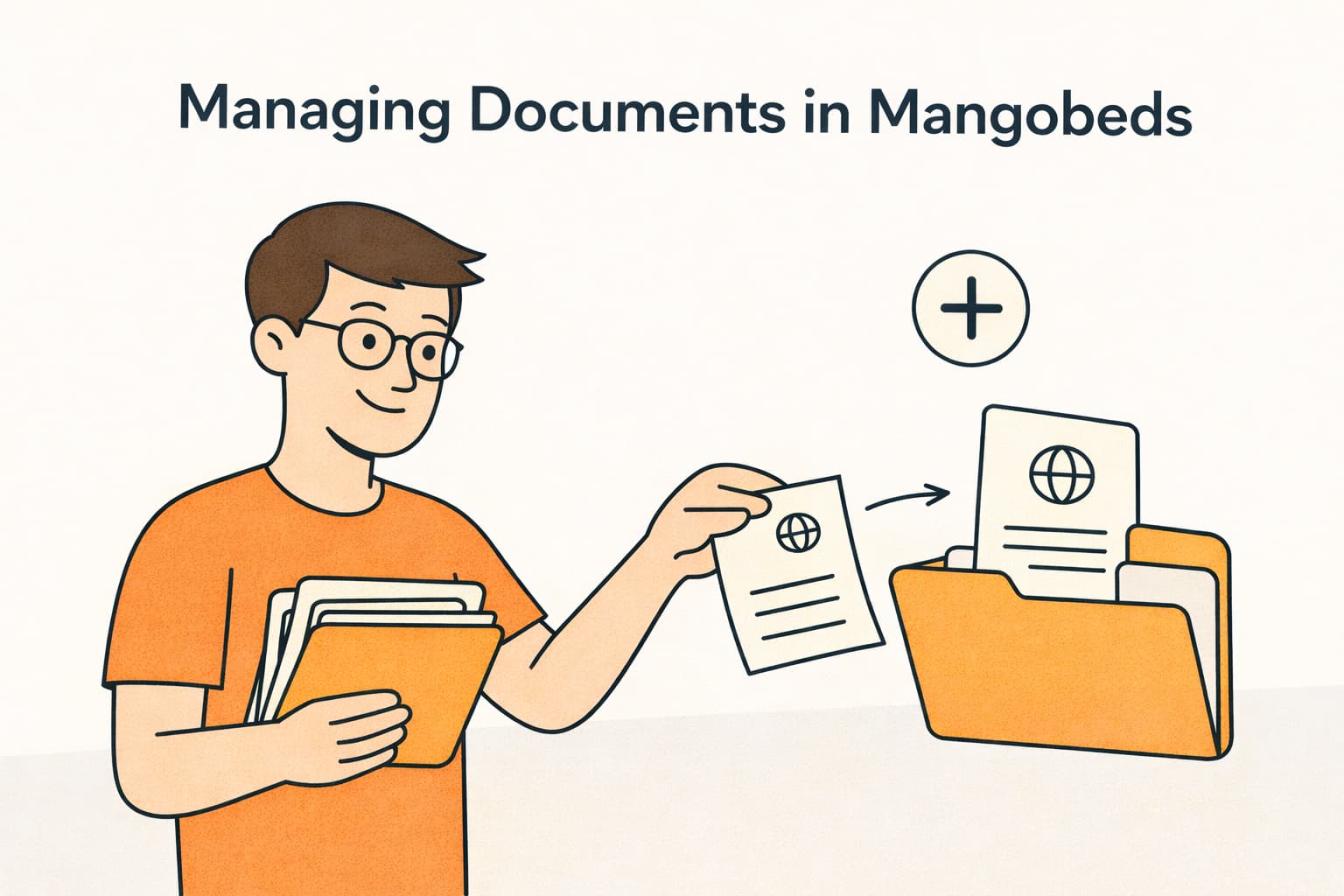
Every property deals with documents — agreements, ID copies, contracts, house rules, receipts. Mangobeds gives you a complete set of tools to manage all of this without leaving the platform.
Here’s what you can do:
Add Documents to Bookings
Upload files directly to any booking — PDFs, images, or any supporting document. Both you and your guests can upload, so there’s no need for email back and forth.
Read more: Keep Everything in One Place: Add Documents to Bookings
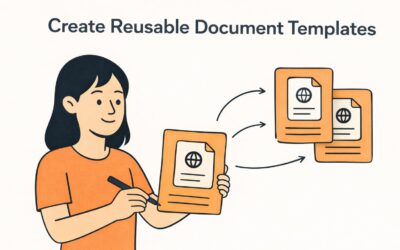
Create Reusable Document Templates
Stop writing the same rental agreement or community rules from scratch for every guest. Create a template once with variables like the guest’s name, check-in date, and total price — then generate a pre-filled PDF for any booking in seconds.
Read more: Create Reusable Document Templates
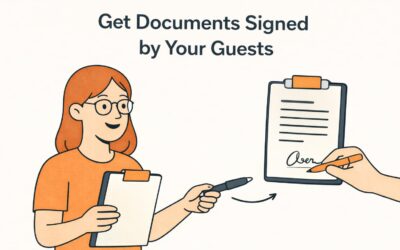
Get Documents Signed by Your Guests
Need a signed rental agreement or liability waiver? Request a signature on any document and your guest can sign it directly from the Guest Portal. Track the signing status from your dashboard.
Read more: Get Documents Signed by Your Guests
The Full Workflow
The three features work best together. Here’s a typical workflow:
- Create a template for your rental agreement with variables for guest details
- Generate a document from that template when a new booking comes in
- Request a signature from the guest
- The guest signs it from the Guest Portal before check-in
All done from within Mangobeds — no external tools needed.
Getting Started
To start managing documents, go to your property’s Apps section and open the Documents app. From there you can create your first template. To manage documents for a specific booking, open the booking and go to the Documents tab.