Setting the right price every night is one of the hardest things to get right. Too high and you lose bookings. Too low and you leave money on the table. PriceLabs solves this by analyzing market data and automatically adjusting your prices — and now it’s built right into Mangobeds.
How It Works
PriceLabs is an AI-driven dynamic pricing platform used by thousands of property managers worldwide. It analyzes local market demand, seasonality, day-of-week patterns, events, and competitor pricing to recommend optimal nightly rates for your listings.
When you connect PriceLabs to Mangobeds, the two systems stay in sync automatically:
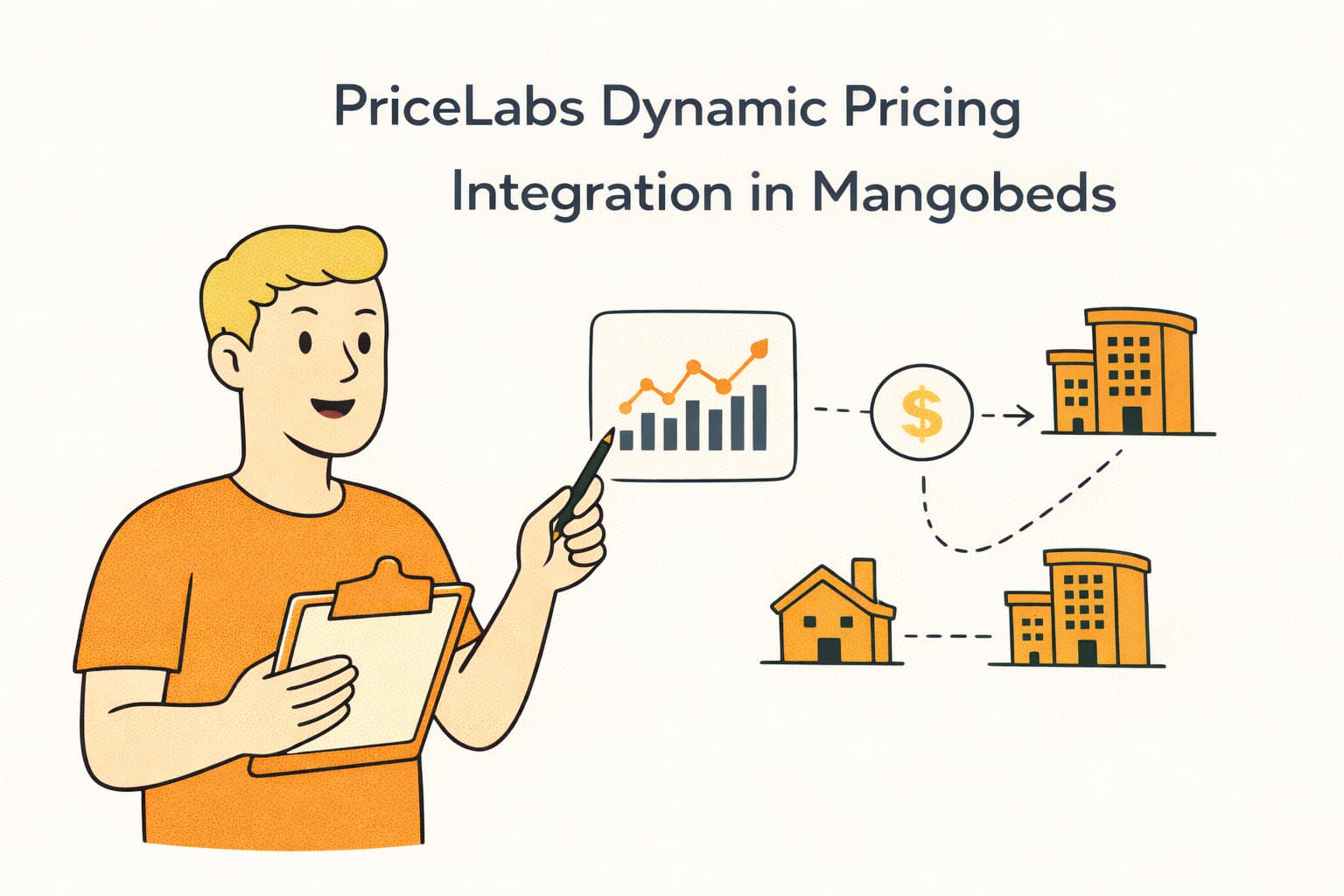
- Mangobeds sends your listing details, calendar availability, and reservations to PriceLabs — so PriceLabs knows exactly what’s booked, what’s available, and how your property is configured.
- PriceLabs analyzes the data and sends back optimized prices — including nightly rates and minimum stay requirements for each date.
- Mangobeds applies the prices to your connected channels — if you use a channel manager (like Channex), PriceLabs prices are automatically pushed to your OTAs (Booking.com, Airbnb, etc.) without any manual work.
This all happens in the background. When a booking is created, updated, or canceled in Mangobeds, the system automatically notifies PriceLabs so pricing stays accurate. PriceLabs can also request a full calendar re-sync at any time.
How Prices Reach Your Channels
Once PriceLabs sends optimized prices back to Mangobeds, they are immediately pushed to the channel manager. For dates covered by PriceLabs, the dynamic prices override your base and seasonal rates. For dates without PriceLabs data, your normal pricing rules continue to apply.
How fast are price updates? Once PriceLabs completes a sync, your prices are updated in Mangobeds instantly and pushed to the channel manager within seconds. The time for prices to appear on OTAs depends on each OTA sync cycle (typically a few minutes).
What You Need
- A Mangobeds account with at least one property set up
- A PriceLabs account — visit pricelabs.co to create one if you don’t have one yet
- Your PriceLabs account email address
Setting It Up
Step 1: Choose Mangobeds in PriceLabs
Log in to your PriceLabs dashboard at pricelabs.co. When adding a new integration, select Mangobeds as your PMS. This tells PriceLabs which system to connect with.
Step 2: Open the PriceLabs App in Mangobeds
In Mangobeds, go to your property’s Apps section and select PriceLabs.
Step 3: Enter Your PriceLabs Email and Connect
Enter the email address associated with your PriceLabs account and click Connect. This registers your Mangobeds property with PriceLabs and sets up the automatic sync between the two systems.
Step 4: Link Your Accommodations
Once connected, you’ll see a list of all your accommodations with their connection status.
Click the Link button next to each accommodation you want to enable dynamic pricing for. When you link an accommodation:
- Its listing details (name, type, location, capacity) are sent to PriceLabs
- Your current calendar availability is synced
- All existing reservations are pushed to PriceLabs
Step 5: Configure Pricing in PriceLabs
Go back to your PriceLabs dashboard. Your linked accommodations should now appear as listings. From here you can:
- Set your base prices
- Configure min/max price boundaries
- Customize pricing strategy per listing
- Enable dynamic pricing
PriceLabs will start sending optimized prices back to Mangobeds automatically. That’s it — your dynamic pricing is live.
Disconnecting Listings from PriceLabs
Unlinking Individual Accommodations
If you want to stop dynamic pricing for a specific accommodation:
- Go to your property’s Apps section and select PriceLabs
- Find the accommodation you want to disconnect
- Click the Unlink button
- The accommodation is immediately marked as unavailable in PriceLabs and removed from dynamic pricing
Your normal base and seasonal pricing rules will resume for that accommodation.
Removing the PriceLabs Integration Entirely
If you want to disconnect PriceLabs from your property completely:
- First, unlink all accommodations using the steps above — all accommodations must be unlinked before you can remove the integration
- Click the Settings button in the PriceLabs app header
- Click Remove App Integration
You can reconnect PriceLabs at any time by entering your email again.
Viewing PriceLabs Prices
Once PriceLabs starts sending prices, you can view them directly in Mangobeds:
- Go to your property’s Apps section and select PriceLabs
- Find a linked accommodation and click View Prices
- A calendar view shows the daily prices and minimum stay requirements set by PriceLabs
- Navigate between months using the arrow buttons
Manual Sync
Calendar data and reservations are synced automatically, but you can trigger a manual sync at any time:
- Click the Settings button in the PriceLabs app header
- Use Sync Now to push your current availability to PriceLabs
- Use Sync Reservations to push all your bookings to PriceLabs for Portfolio Analytics
Tips
- Review min/max price boundaries — Set guardrails in PriceLabs to ensure prices never go too high or too low for your market.
- Link all your accommodations — For the best results, link every accommodation so PriceLabs can optimize across your entire property.
- Check the price calendar regularly — Review prices in Mangobeds to verify that PriceLabs prices are coming through as expected.
If you already have PriceLabs set up, connecting it to Mangobeds takes just a couple of minutes. One page, all your accommodations, ready to go.