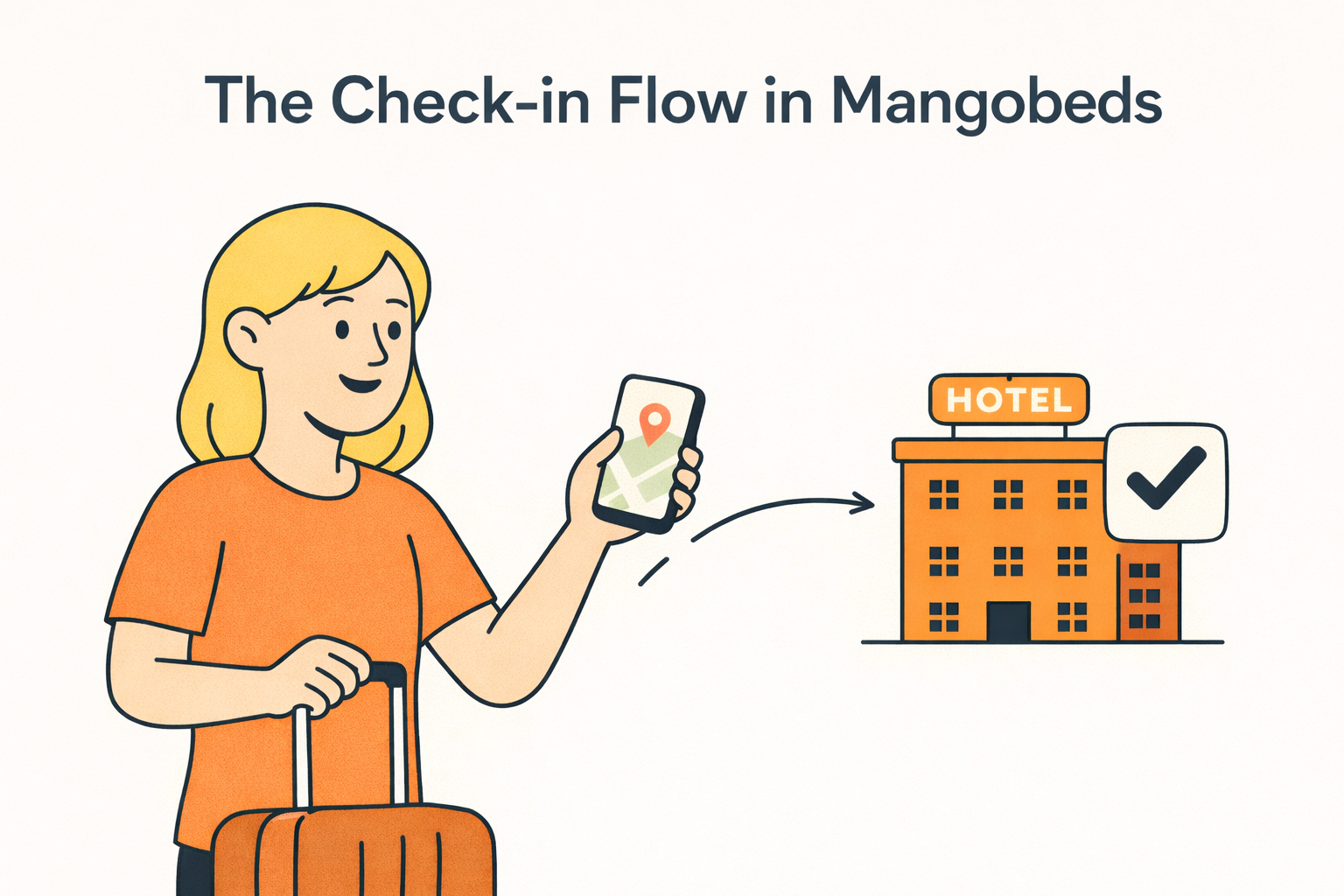
Every property needs information from guests before they arrive: passport numbers, ID documents, emergency contacts, dietary preferences. Mangobeds collects all of it through an online check-in flow, so you don’t have to chase anyone over email or handle it at the door.
How It Works
Check-in is its own app inside Mangobeds. You install it on a property, pick which custom guest fields you want each guest to fill in, and Mangobeds handles the rest.
Guests can complete check-in in two ways:
- From the Guest Portal: guests who have logged in with their email see a Check-in card on their booking and complete it there.
- From a public check-in link: for any booking, you can generate a link, copy it, and share it with the guest over WhatsApp, email, your booking platform’s inbox, or any other channel. The guest opens the link and checks in without logging in. Useful for OTA bookings (Airbnb, Booking.com, …) where the guest’s email isn’t known.
Either way, the guest fills in the same form: their core details (name, email, phone, nationality, address, birthdate) plus the custom fields you configured. Returning guests find everything pre-filled.
When the guest submits, the data is saved to their profile, the booking is marked as checked in, and the change is recorded in the booking activity log.
No paper forms, no spreadsheets, no back-and-forth messages.
Setting Up Check-in
Open your property’s Apps section and find Check-in.
- Click Install Check-in App
- Pick which custom guest fields are part of check-in. You can also create new fields from there
- Save
That’s it. Online check-in is live for that property.
Sharing the Check-in Link
From the Check-in app you can grab a per-booking link to share with any guest:
- Click Get a link to share with guest
- Search for the booking
- Copy the link
Or insert the {{CHECKIN_URL}} variable into any guest communication (email or WhatsApp template) and Mangobeds will substitute the right link per booking automatically.
The Guest Experience
Whichever entry point the guest uses, the flow is the same:
- They open the link or the Guest Portal
- They see the check-in form, pre-filled with whatever Mangobeds already knows
- They fill in any missing details for each guest in the booking
- They submit
If they come back later (same link or guest portal), they see a confirmation that check-in is already complete, and can read the message you’ve configured for that moment (see “Sending an arrival message” below).
Custom Guest Fields
Check-in uses the same custom guest fields used elsewhere in Mangobeds. Field types include:
- Text: passport numbers, nationalities, special requests
- Number: ages, document numbers
- File: ID scans, passport photos, visa documents
- Select: predefined options like dietary or room preferences
Fields can be marked as required so guests can’t submit without completing them. The same fields can also be used in your booking forms (useful if you’d rather collect part of the information at booking time and the rest closer to arrival).
Sending an arrival message: “On check-in completed”
The moment a guest finishes check-in is the perfect time to send them everything they need to actually arrive: address, gate instructions, parking, host contact, smart-lock codes, house rules. Mangobeds has a dedicated communication event for this, called On check-in completed.
Set it up once per property:
- Go to Communications, then New
- Pick the event On check-in completed
- Write the message (subject and body), using any variable like
{{GUEST_NAME}},{{ACCESS_CODES}},{{BOOKING_DETAILS}}, etc. - Pick the channels you want it sent through (Email, Channel Manager for Booking.com / Airbnb threads, etc.)
- Save
Showing Access Codes After Check-in
If your property uses Mangobeds smart-lock integrations, you can optionally show each booking’s smart-lock access codes to the guest after they complete check-in, on the Guest Portal check-in page. Toggle this in the Check-in app’s settings dialog. The codes appear automatically once the booking is checked in.
This is independent from the On check-in completed message: you can use either, both, or neither. Most hosts use both, the inline panel for at-a-glance code visibility, and the message for the full arrival context.
Automate It
Don’t wait for guests to find the check-in page on their own. Use Mangobeds automations and the {{CHECKIN_URL}} variable to push the link to them at the right moment:
- Send a check-in reminder email a few days before arrival
- Add the link to your booking confirmation
- Use WhatsApp notifications to drop the link directly in the guest’s chat
This way, guests check in before they arrive, and you don’t spend time chasing them.
Connect with Third-Party Services
For properties that need to forward guest data to local authorities or comply with specific regulations, Mangobeds connects with third-party services through integrations and automations. You can:
- Forward guest check-in data to police-reporting systems or government portals
- Sync guest information with identity-verification services
- Connect with property-management tools that handle compliance, reporting, or additional guest processing
Mangobeds handles the guest-facing part (collecting the data securely) while your connected tools handle what comes next.
Getting Started
Open your property’s Apps section, install the Check-in app, pick your fields, set up your On check-in completed message in Communications, and start sharing the check-in link with your guests.